
-
Recessed Desk Outlet with USB and RJ45 Network Port
Regular price $27.99 USDRegular priceUnit price per$39.99 USDSale price $27.99 USDSale -
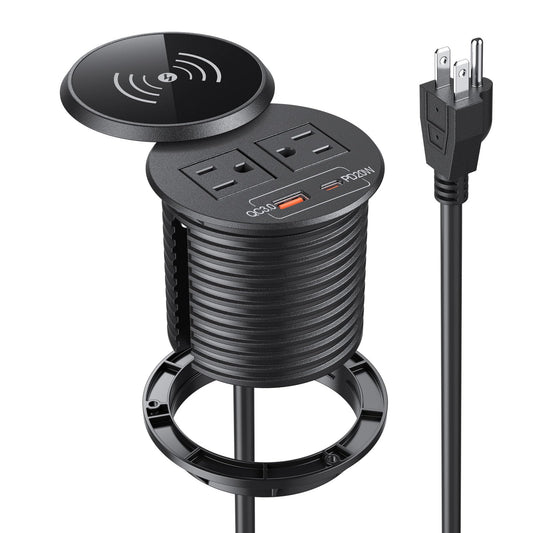
Desk Power Grommet with 20W USB-C and Wireless Charger
Regular price $38.99 USDRegular priceUnit price per$49.99 USDSale price $38.99 USDSale -
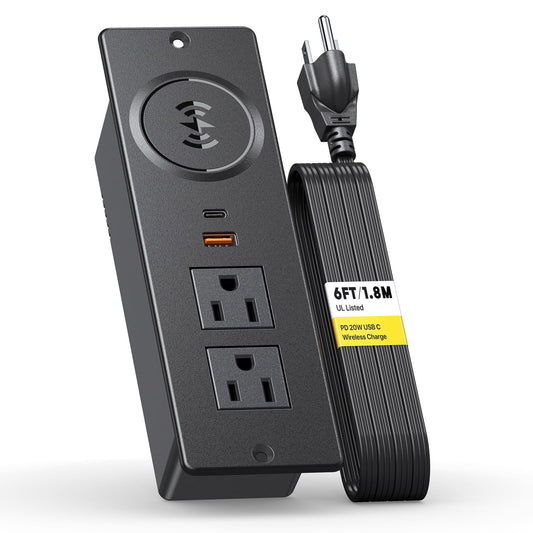
Recessed Power Strip with 20W USB-C and Wireless Charger
Regular price $28.99 USDRegular priceUnit price per$46.99 USDSale price $28.99 USDSale -
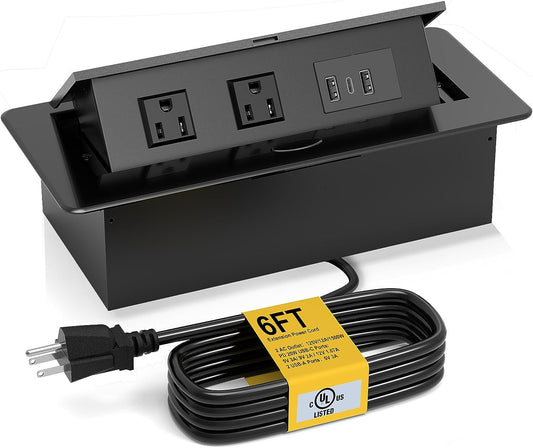
Recessed Pop Up Power Strip with 20W USB-C
Regular price $41.99 USDRegular priceUnit price per$69.99 USDSale price $41.99 USDSale -
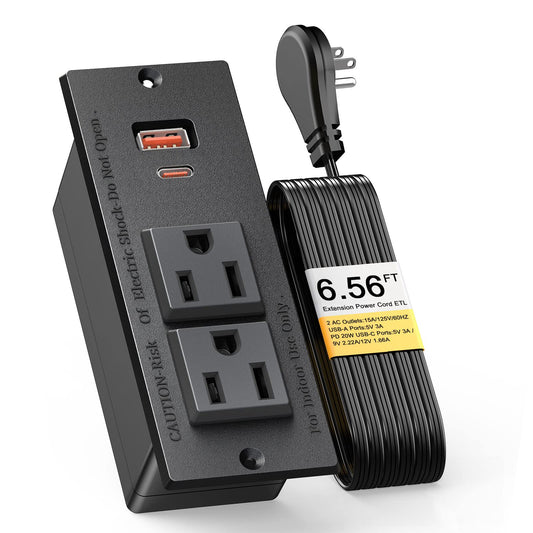
Recessed Desk Outlet with 20W USB-C and USB-A
Regular price $29.99 USDRegular priceUnit price per$39.99 USDSale price $29.99 USDSale -
Desk Power Grommet Outlet with 20W USB-C PD
Regular price $33.99 USDRegular priceUnit price per$45.99 USDSale price $33.99 USDSale -
2 Inch Desk Power Grommet Outlet with 20W USB-C PD
Regular price $23.99 USDRegular priceUnit price per$49.19 USDSale price $23.99 USDSale -
Conference Table Power Hub with HDMI, RJ45 and USB-C, 6 ft Silver
Regular price $42.80 USDRegular priceUnit price per


Conference Table Power Outlets with USB-C
A conference table power outlet with USB-C gives meeting participants a practical place to power laptops and charge mobile devices without running loose extensions across the room. This collection brings together recessed, pop up, multimedia hub, and power-grommet formats suited to boardrooms, huddle rooms, training tables, and shared workspaces.
Plan power around the meeting workflow
- Count users and devices. Estimate how many laptops, phones, and presentation accessories may need power during a typical meeting.
- Check adapter spacing. Wide laptop adapters can block neighboring receptacles. Compare the physical outlet layout shown on each product page.
- Confirm USB-C output. Port wattage varies by model. Match the listed output to the devices the room needs to support.
- Measure the table. Verify cutout size, tabletop thickness, under-table depth, and the location of frames, cable troughs, and drawers.
- Route one clean power path. Plan how the module cord reaches a suitable receptacle without creating a trip hazard or interfering with adjustable furniture.
Recessed, pop up, or multimedia hub
A recessed module keeps ports continuously available and is easy to use in busy rooms. A retractable pop up outlet hides the ports when the table needs a cleaner surface. A compact USB-C desk power grommet works well where the available opening and device count are smaller. A multimedia hub adds HDMI and RJ45 connections for presentation and wired network access.
Compare current conference-table models
Use this shortlist of active models to match charging, connectivity, and installation style. Availability can change; verify dimensions, output, and online stock on the exact product page before cutting a table.
- 3-inch recessed desk outlet with Cat6 RJ45: fixed round module with 2 AC outlets, dual USB-A, Cat6 Gigabit Ethernet, and a 10 ft cord for conference tables and training rooms.
- Conference table power hub with HDMI, RJ45, and USB-C: a 6 ft silver recessed hub combining AC power, USB-C, USB-A, video, and wired network connections.
- Recessed pop up power strip with 20W USB-C: provides 20W USB-C and USB-A, then stores below the surface when closed.
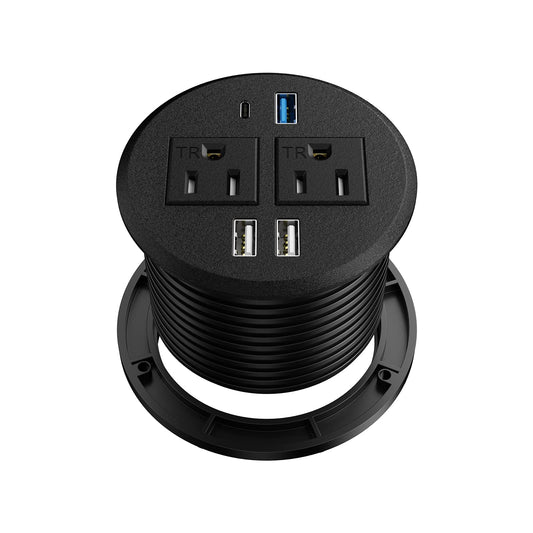
- Recessed desk outlet with 20W USB-C and USB-A: a fixed module with 2 AC outlets, USB-A, and 20W USB-C PD.
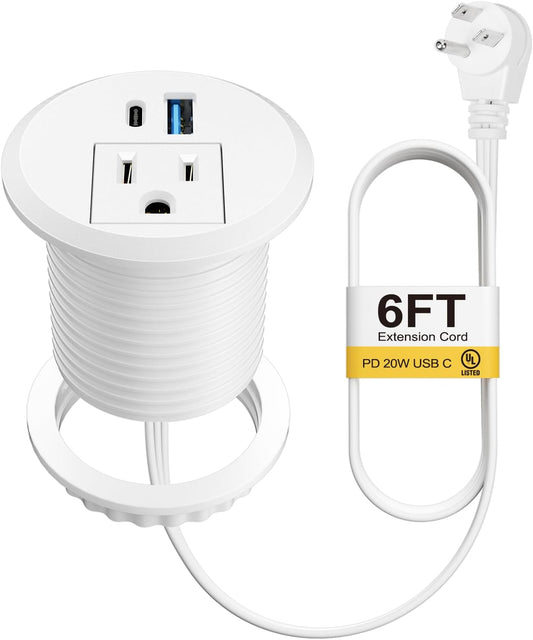
- 2 inch desk power grommet with 20W USB-C: uses a 51 mm round cutout and provides one AC outlet, USB-A, and 20W USB-C PD.
USB-C on these pages is documented as a charging feature unless another function is expressly stated. The multimedia power hub uses HDMI for video and RJ45 for wired network connectivity.
Frequently asked questions
How many outlets should a conference table have?
There is no universal number. Start with the typical number of participants, identify devices that require AC power rather than USB charging, and leave capacity for presentation equipment.
Can USB-C power every meeting-room laptop?
No. Required wattage differs by laptop, and some USB-C ports are intended mainly for phones and tablets. Check the product output and device specifications before relying on USB-C laptop charging.
What should be measured before ordering?
Record the cutout dimensions, surface thickness, depth below the table, distance to the wall receptacle, and any obstruction from a frame or cable tray.
Browse all desk power outlet specification sheets and fit guides.