
-
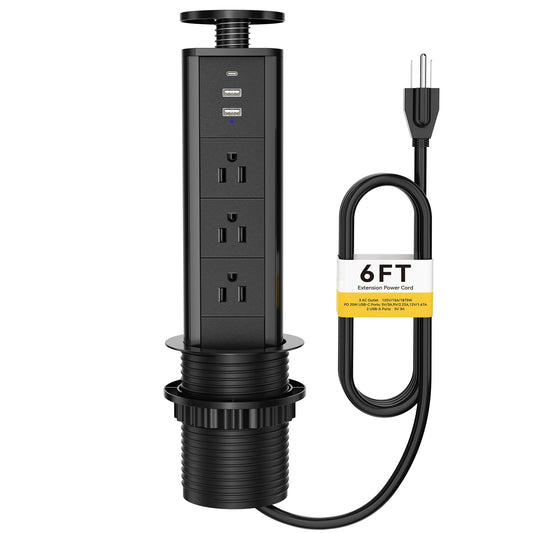
Pop Up Desk Power Strip with USB-C and USB-A, 6 ft Black
Regular price $54.99 USDRegular priceUnit price per -
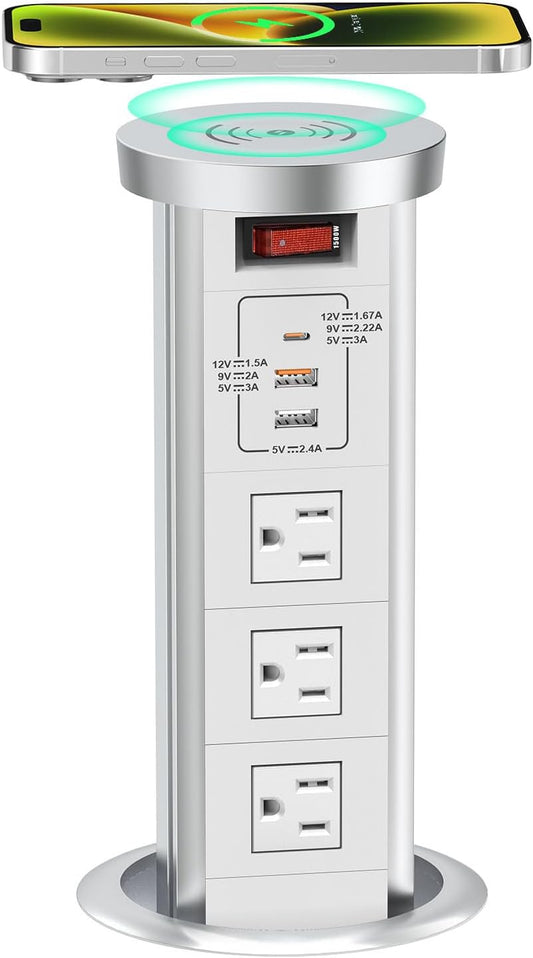
Countertop Pop Up Outlet with USB-C PD and Wireless Charger
Regular price From $96.99 USDRegular priceUnit price per$160.99 USDSale price From $96.99 USDSale -
Recessed Pop Up Power Strip with 20W USB-C
Regular price $41.99 USDRegular priceUnit price per$69.99 USDSale price $41.99 USDSale -
Pop Up Countertop Outlet with 20W USB-C
Regular price $30.99 USDRegular priceUnit price per$35.99 USDSale price $30.99 USDSale -
Retractable Pop Up Outlet with Wireless Charger, HDMI and RJ45
Regular price $82.99 USDRegular priceUnit price per$124.60 USDSale price $82.99 USDSale -
Pop Up Outlet with Wireless Charger and USB-C
Regular price From $90.99 USDRegular priceUnit price per$131.60 USDSale price From $90.99 USDSale -
2.5 Inch Countertop Pop Up Outlet with 3 AC and Dual USB
Regular price $30.99 USDRegular priceUnit price per$42.00 USDSale price $30.99 USDSale -
Retractable Pop Up Outlet with 3 AC Outlets and USB
Regular price $30.99 USDRegular priceUnit price per$42.00 USDSale price $30.99 USDSale -
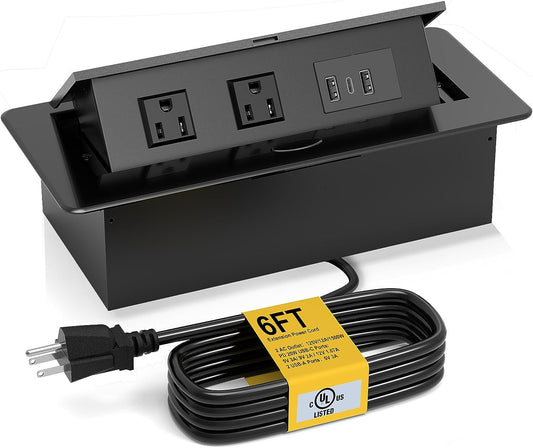
Pop Up Desk Outlet Box with Dual USB Charging Ports
Regular price $36.99 USDRegular priceUnit price per$48.99 USDSale price $36.99 USDSale -
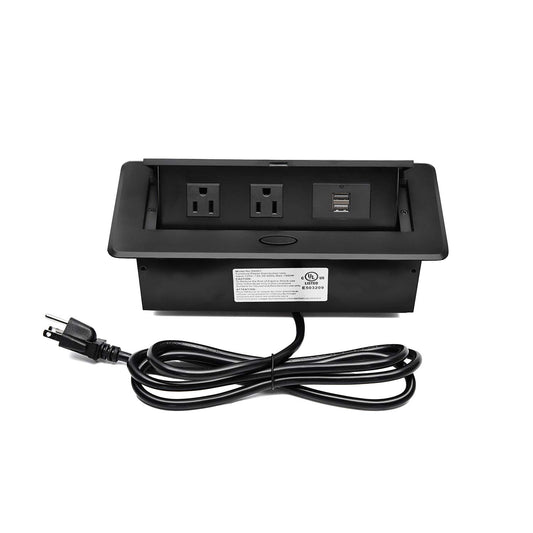
Pop Up Desk Outlet Box with Dual USB Ports
Regular price $36.99 USDRegular priceUnit price per$48.99 USDSale price $36.99 USDSale -
Retractable Pop Up Outlet with 18W Wireless Charger
Regular price $71.00 USDRegular priceUnit price per$120.00 USDSale price $71.00 USDSale





Kitchen Island Pop Up Outlets with USB-C and Wireless Charging
Compare current pop-up and recessed power options for kitchen islands, counters, desks, and shared work surfaces. Product title alone does not determine where an outlet may be installed. Verify the exact model's ratings, instructions, dimensions, and permitted location before ordering.
USB-C options
- Countertop Pop Up Outlet with USB-C PD and Wireless Charger: 3 AC outlets, 20W USB-C PD, USB-A, and 15W wireless charging.
- Pop Up Countertop Outlet with 20W USB-C: 3 AC outlets, USB-A, and 20W USB-C charging.
- Recessed Pop Up Power Strip with 20W USB-C: concealed AC power with USB-A and 20W USB-C charging.
- Pop Up Outlet with Wireless Charger and USB-C: 4 AC outlets, USB-A, USB-C, and wireless charging.
- Pop Up Desk Power Strip with USB-C and USB-A: a black recessed format with AC and USB charging.
Wireless charging and USB-A options
- Retractable Pop Up Outlet with 18W Wireless Charger: AC power, USB charging, and an 18W wireless charging surface.
- Retractable Pop Up Outlet with Wireless Charger: hidden AC and USB charging with a wireless charging surface.
- Countertop Pop Up Outlet with USB Ports: 3 AC outlets, 2 USB ports, and a 5.5 ft cord.
- Retractable Pop Up Outlet with 3 AC Outlets and USB: 3 AC outlets and 2 USB ports.
- Pull Up Pop Up Outlet with 3 Plugs and USB Ports: a manual pull-up format with 3 AC outlets and USB charging.
Compact pop-up desk boxes
- Pop Up Desk Outlet Box with Dual USB Charging Ports
- Compact Pop Up Desk Outlet Box with Dual USB Ports
Check before ordering
- Location: A desk product is not automatically suitable for a kitchen, wet area, floor, or outdoor installation.
- Cutout and clearance: Measure the opening, surface thickness, and free space below the counter. Account for drawers, plumbing, cabinet walls, and cable routing.
- Electrical ratings: Check voltage, current, total load, USB-C wattage, wireless-charging output, and the product label.
- Installation: Follow the manufacturer instructions and locally adopted electrical requirements. Use a licensed electrician where required.
Collection membership is a comparison aid, not proof that every model is approved for every kitchen location.
Planning resource
Download the Kitchen Island Pop-Up Outlet Planning Matrix (PDF), then confirm all dimensions and ratings on the current product page before cutting or installing.
Browse all desk power outlet specification sheets and fit guides.